Record once. Get the transcript, the tasks, and the follow-up.
TapMemo captures your voice on iPhone or Apple Watch, transcribes Arabic and English, then pulls out summaries, decisions and action items — each linked to the moment it was said.
What is TapMemo?
TapMemo is an AI voice-to-action workspace for iPhone and Apple Watch. You record once, and it returns an accurate Arabic or English transcript, a structured summary, and action items with source timestamps — then sends them to Apple Reminders, Notion, or Google Sheets.
Watch it happen, end to end
A real 42-minute Egyptian Arabic meeting: recorded on Apple Watch, translated to English, reviewed on the web, and pushed to Notion and Excel in under a minute.
One tap from your wrist. No phone, no app to open.
From a spoken thought to finished work
Four steps, no manual note-taking. Long recordings are split and processed in the background so nothing fails halfway.
Tap to record
One tap from your wrist or phone. Up to two hours per recording on Pro.
Accurate transcript
Dialect-aware Arabic and English, with speaker labels and a correction pass that never invents words.
Tasks extracted
Summary, decisions, deadlines and action items — with the exact quote and timestamp behind each one.
Sent to your tools
Review, then push one-way to Reminders, Notion, Sheets, Todoist or your calendar.
The real screens, not mockups
Everything above describes what TapMemo does. This is it doing it — the Apple Watch and iPhone you capture on, and the web dashboard where a month adds up.
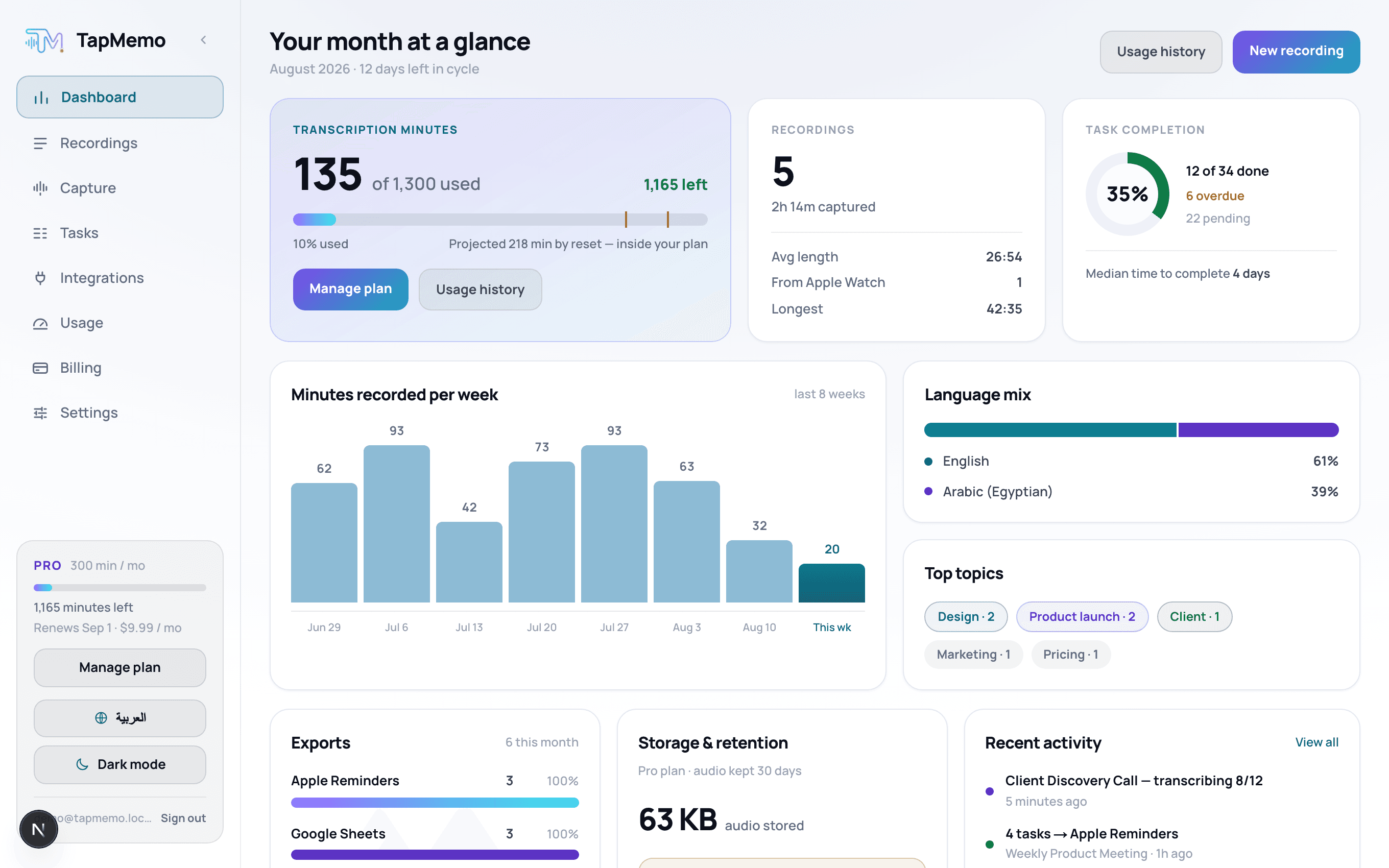
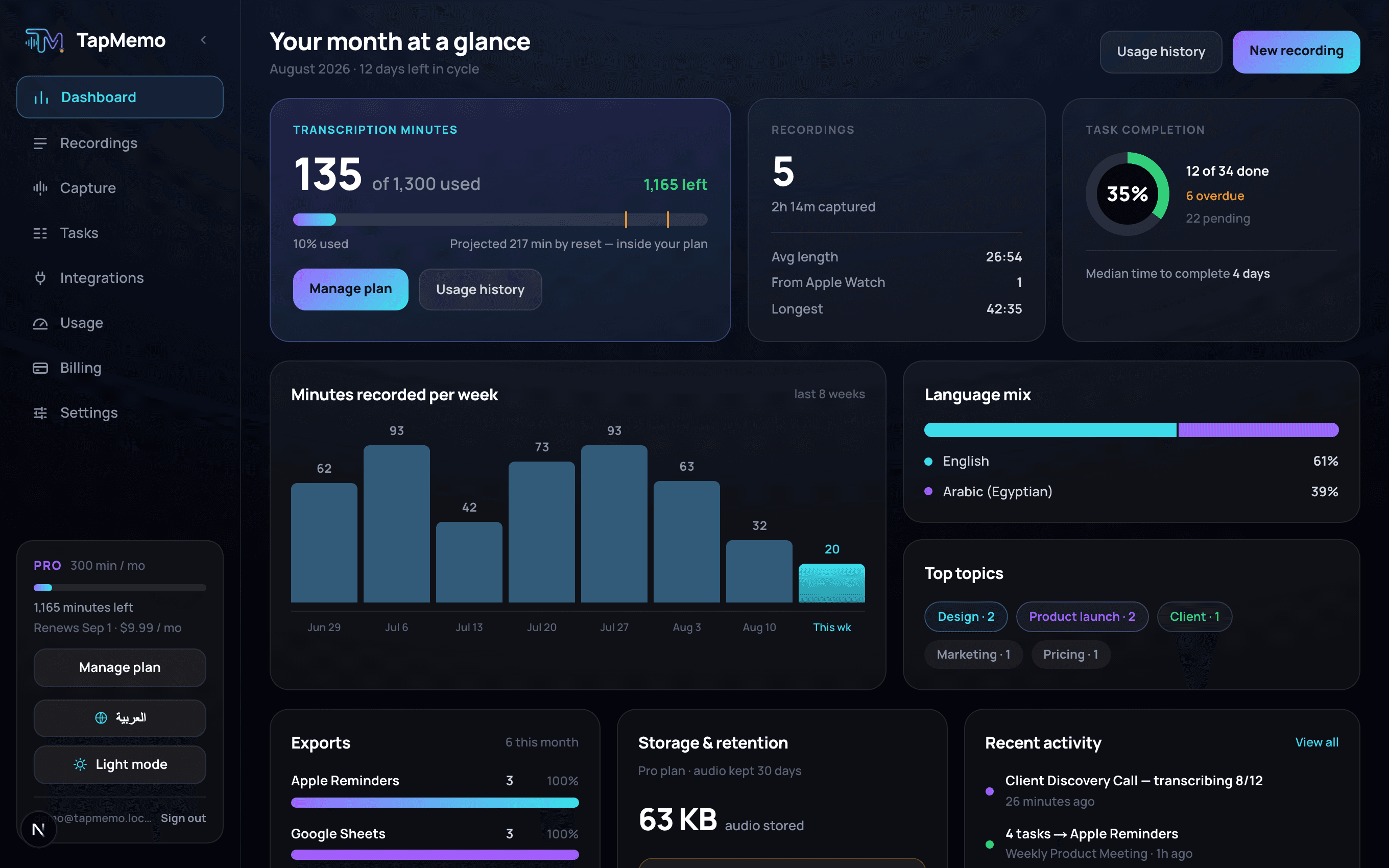
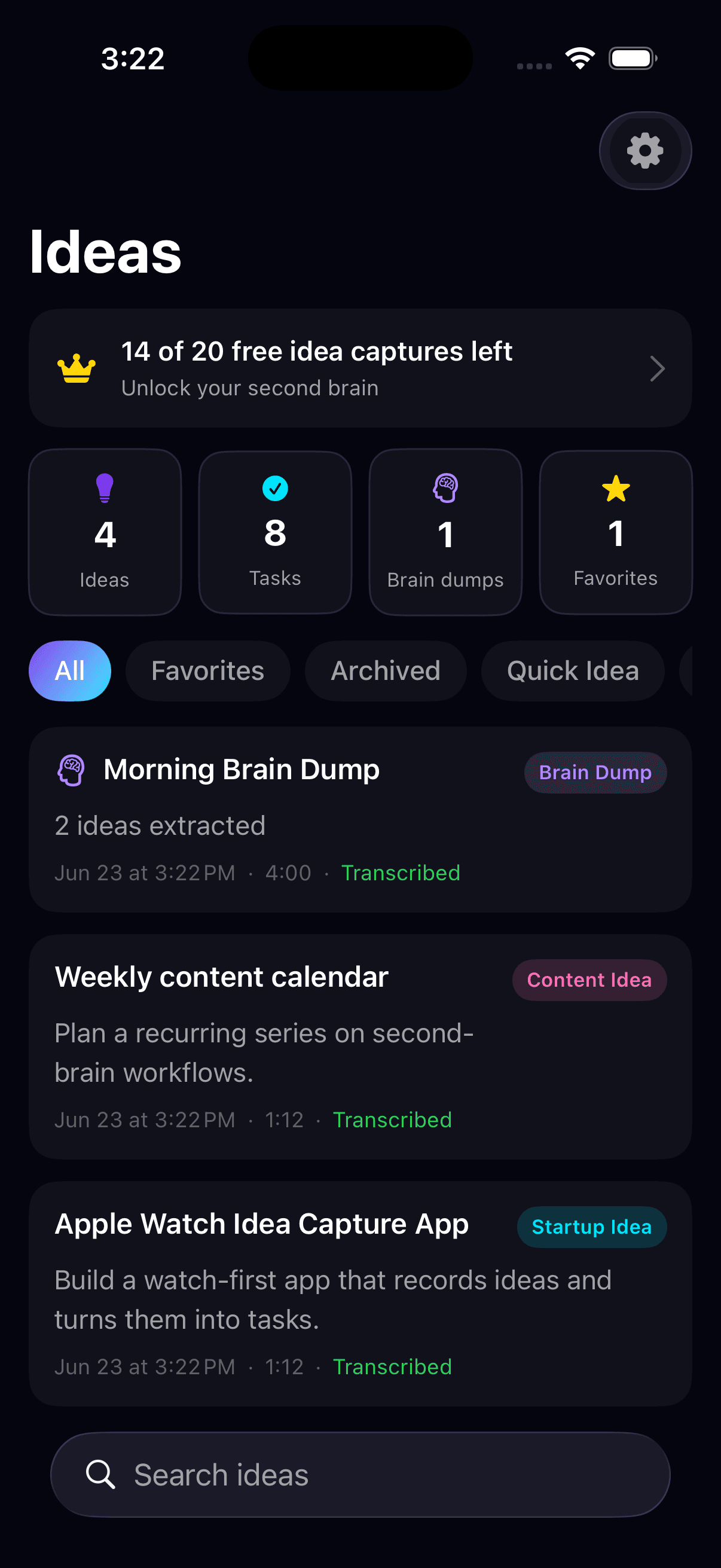
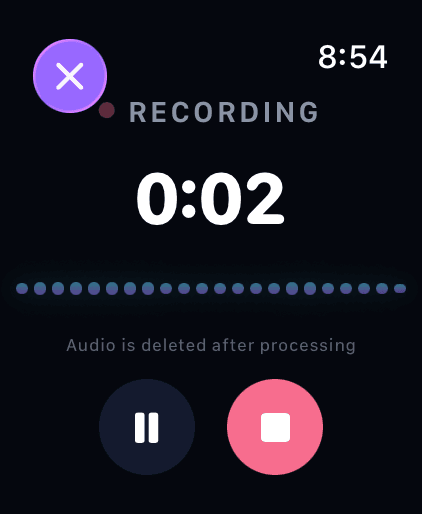
- The web dashboard
- Every idea, on iPhone
- Capture from your wrist
Built for how people actually work
Apple Watch first
Capture the idea before it disappears. Recording starts from your wrist without opening your phone.
Structured output
Not a wall of text. Title, summary, key points, decisions, questions and tasks — each with a confidence score.
Source timestamps
Every task keeps the quote it came from. Tap it to jump straight to that second in the recording.
Long recordings
Two-hour meetings are chunked, processed in parallel and retried per chunk if a provider fails.
Privacy by default
Voice recordings are deleted after 7 days on Free and 30 on Pro. Transcripts stay yours, and nothing trains an AI model.
Arabic that handles how people really speak
Most tools transcribe textbook Arabic and fall apart on dialect or mid-sentence English. TapMemo treats dialect accuracy as a benchmarked feature, with a glossary for names and technical terms.
Works with the tools you already use
Exports are one-way, so TapMemo stays the source of truth. CSV and Markdown are always available.
Pay for minutes, not magic
Every plan includes AI summaries, task extraction and exports. No unlimited claims — you always see exactly what you have left.
Every plan includes Arabic and English transcription. Paid plans differ only in how many minutes you get. Cancel any time from Settings on your iPhone.
Questions people ask
What does TapMemo do?
TapMemo records your voice on iPhone or Apple Watch, transcribes it in Arabic or English, then extracts a summary, decisions and action items with source timestamps and sends them to Apple Reminders, Notion or Google Sheets.
Does TapMemo support Arabic dialects?
Yes. It handles Egyptian, Gulf, Levantine, Iraqi and Maghrebi Arabic as well as Modern Standard Arabic and mixed Arabic-English speech, reaching about 91% accuracy on mixed speech.
How much does TapMemo cost?
There is a free tier, and four paid plans that differ only in how many minutes a month you get. The table above has the current prices; each paid plan is sold monthly or yearly, and the yearly price works out cheaper. Subscriptions are bought in the iOS app and can be cancelled any time from Settings on your iPhone.
How long is my audio stored?
Voice recordings are deleted after 7 days on Free and 30 days on Pro. Transcripts, summaries and tasks are kept, and your recordings are never used to train AI models.
Can it send tasks to Apple Reminders and Notion?
Yes. Exports are one-way so TapMemo stays the source of truth. Destinations include Apple Reminders, Notion, Google Sheets, Todoist and your calendar, plus CSV and Markdown.
How long can a single recording be?
Up to 5 minutes on Free and 2 hours on Pro. Long recordings are split into chunks and processed in the background.
Stop taking notes. Start finishing work.
Record your next meeting and see the tasks appear — with the quote behind every one.
iPhone and Apple Watch · Arabic and English · no card required